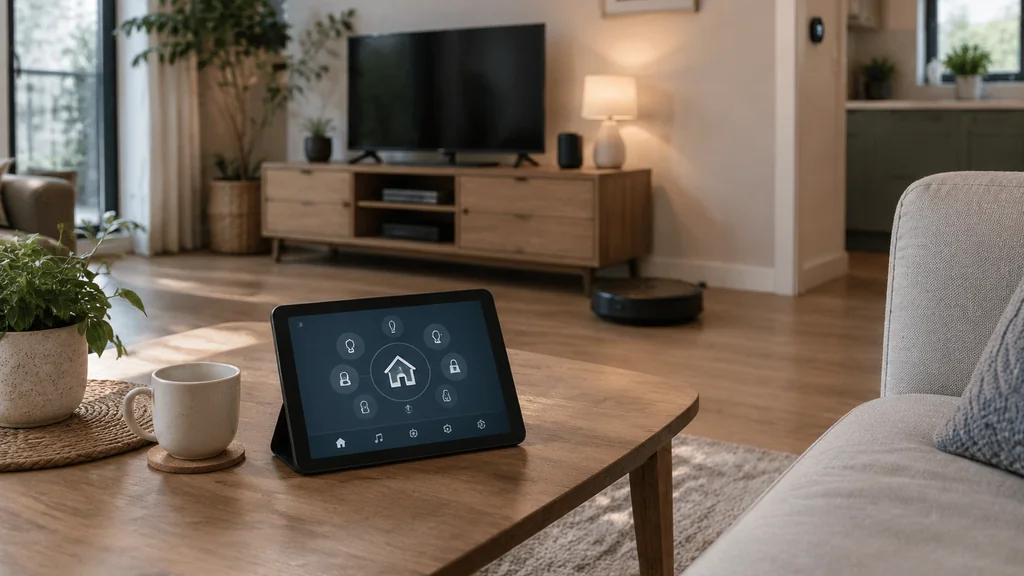
Home automation is a network of sensors, controllers and actuators that runs parts of your house on schedules, triggers and remote commands instead of you walking around flipping switches. You set the rules once, and the system repeats them. The wiring behind the wall still does the real work, which is why the safety questions matter more than the app.
This guide covers what the parts actually are, how the signal travels, what you can reasonably do yourself, and where to call a licensed electrician.
What home automation actually means
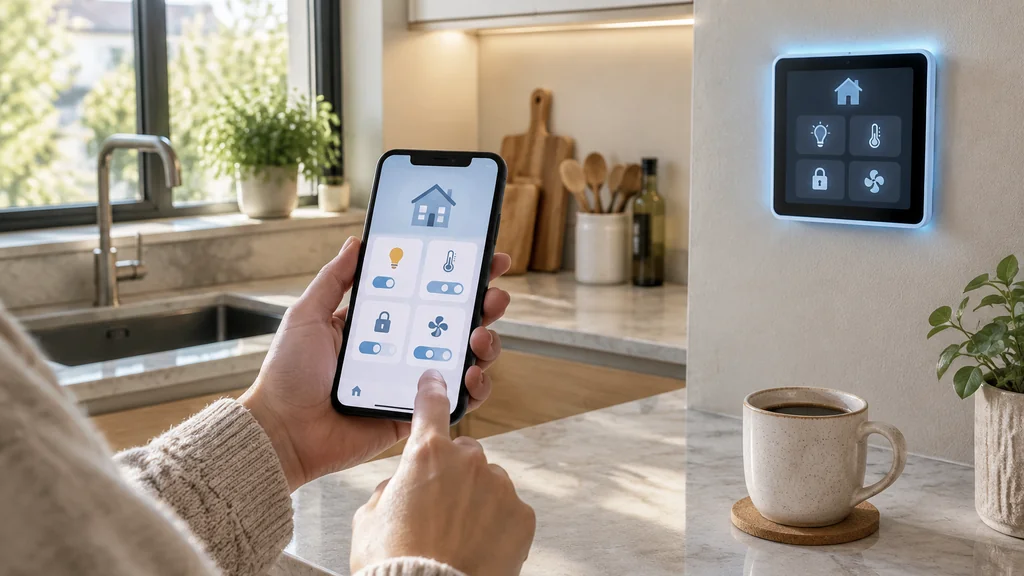
Home automation controls and monitors household devices from one interface, such as a wall panel, phone or tablet. Lighting, blinds, thermostats, door locks, cameras, irrigation and smoke alerts can all work through a network and a set of rules.
A house full of app-controlled gadgets is not automatically automated. If you open an app and press a button every time, you have remote control with extra steps.
The three parts of every system
Strip away the marketing and any home automation setup comes down to three components. Understand these and the product names stop mattering.
Sensors
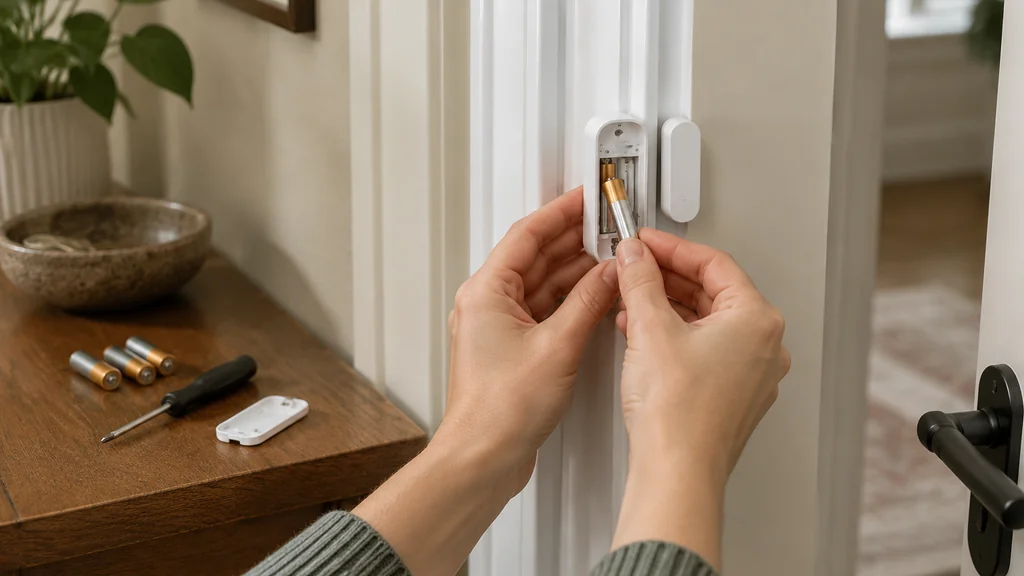
Sensors watch for a condition and report it. Motion, temperature, humidity, daylight, door position, water on the floor. A thermostat with a temperature sensor is the classic example, and a door contact that knows whether the garage is open is the one that saves you a drive back from the store.
Actuators
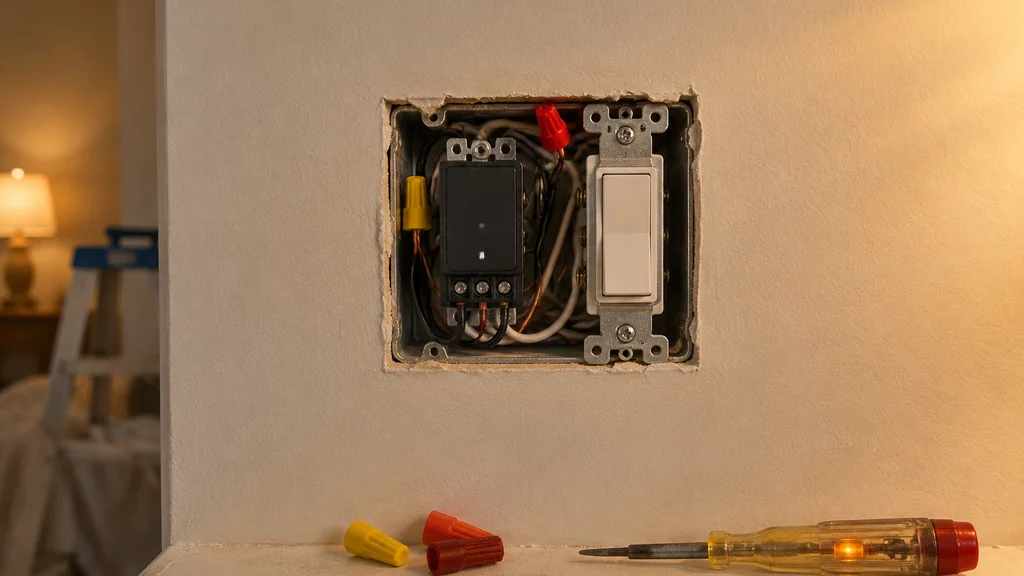
Actuators do the physical work. A relay clicks a light circuit, a motor turns a blind, a valve opens a water line. These are the parts that touch mains voltage, and they are where cheap hardware gets dangerous.
Controllers
Controllers are the brains and the interface. A hub, a phone, a panel on the wall. They hold the schedule and send the command. Many systems let the hub run locally so the lights still work when the internet drops, and that feature is worth checking before you buy.
How the signal travels from your thumb to the lamp
Your command leaves the phone, hits the hub over Wi-Fi or a low-power radio protocol, and the hub tells the actuator to switch. Each device needs an address on the network so the hub knows who it is talking to. That is the whole trick, repeated a few dozen times around the house.
The rules you set decide when it happens. Three trigger types cover almost everything:
- Schedule. Lights on at dusk, heating down at night.
- Condition. Blinds close when the sun hits a certain angle, fan runs when humidity climbs.
- Command. You press a button, or say a word, from anywhere.
Mixing them is where a system earns its keep. A hallway light on a motion sensor that only fires after dark and only at low brightness at 2 a.m. is three lines of setup and years of not stubbing your toe.
What to automate first
Start with daily jobs that need no new wiring. List repeated routines, check Wi-Fi where devices will live, and choose one ecosystem so the rules stay together. Begin with Smart Plugs, a thermostat and a few sensors before adding hardwired devices.
Check box depth and the neutral wire before installing a switch. Keep lights and locks usable by hand when the network is down, label breakers and devices, and test Smoke and Carbon Monoxide alerts according to the manufacturer’s instructions.
Plug-in devices avoid work inside a switch box. Hardwired devices bring the screwdriver to the breaker and may require a licensed electrician.
Where DIY stops and a licensed electrician starts
Opening a switch box to install a relay that switches a lighting circuit is a different job. Check your local rules before you cut anything.
The reason is simple. A smart switch is a switching device sitting in a metal box with constant live conductors, and it has to be rated for the load it controls. LED drivers, motors on blinds and older wiring all behave differently. A relay rated for a resistive lamp load may not be rated for the inrush of an LED driver bank, and the failure mode is heat inside a box buried in insulation.
If you are doing any cutting or drilling to run cable for a camera or a doorbell, use the right blade for the material and watch the tooth count. Our guide to circular saw blades and tooth count explains which blade suits trim, plywood and siding. If you are trimming a door that a new smart lock no longer clears, a miter saw with the correct bevel setting does the job cleanly, and the miter saw sizes and bevel types breakdown covers setup. Any time you widen a notch in a stud for cable, learn the limits before the blade goes in, and our dado blades and stacks setup and safety article is the place to start.
The benefits
Sensors on doors and water heaters, cameras on the driveway and Smoke Alerts that reach your phone provide information you did not have before. A house that warms before you wake and turns lights off when you leave requires fewer manual checks.
Energy savings depend on the schedule. A Smart Thermostat left on a fixed comfortable setpoint saves nothing. Device reports can also show which circuit the freezer uses and how cold the garage gets in January.
Mistakes that cost the most
Buying devices before mapping the house can leave you with overlapping systems and no single place to look. Ignoring the network can make a hub lose contact with a lock. Local control and a manual override help keep critical devices usable.
Sensors and locks run on batteries. A dead sensor reports nothing, so check batteries when you change the clocks.
What a system costs
The cost depends on how much wiring you add. A starter set of Smart Plugs, a hub and a couple of sensors can get you started. Whole-house lighting control with new circuits is contractor work.
Every device needs pairing, naming, updating and a fallback check. Allow time to revisit the schedule after the first month.
Home automation FAQ
A Hub keeps rules in one place, while Wi-Fi carries commands between devices. Smart Locks still need working batteries and a physical key override. A Thermostat, Door Contact and Motion Sensor can automate heating, entry alerts and lighting without new circuits.
Do I need a hub, or can I just use apps?
You can start with apps on individual devices, and for a couple of smart plugs that is fine. Once you want devices from different makers to trigger each other, a hub earns its place because it holds the rules in one spot and often keeps them running when the internet is out.
Will home automation work during a power cut?
Only what has a battery backup. Hubs, routers and cameras generally go dark with the mains. Keep every light and lock usable by hand, and treat the smart layer as a convenience that sits on top of the ordinary wiring.
Can I install smart switches myself?
That depends on where you live and what the switch controls.
Is a smart lock as secure as a key?
Smart Locks still need a working mechanical key override. The weak point is the network and the batteries. Change the codes when anyone who had access moves out.
What happens to the system when I sell the house?
Either hand over the accounts and device list, or reset the hardware to factory settings and leave the manual switches working. Never leave a buyer with a lock you can still open from your phone. Transfer the accounts in writing as part of the sale.
How long do the batteries and sensors last?
It varies by device and how often it reports, so check the spec sheet rather than a rule of thumb. Motion sensors in busy hallways drain faster than a door contact. Put battery checks on your calendar twice a year and keep spares of the common sizes on hand.
Thank you for reading!